Webflow integration: turn your Figma designs into a website
Webflow integration turns your Figma designs into a published site: responsive interfaces, components, content and connections all go into production in Webflow. If you arrive with screens already designed, the quote has to spell out the missing states, the CMS collections and the tools to connect. You also judge the work by what you can change yourself after delivery.
Provide the designs, the content and whatever mobile versions exist.
Get the included components, states and interactions in writing.
Approve the CMS structure before any content is migrated.
Ask which external tools are needed and who maintains them.
Leave with the accounts, the documentation and a handover that fits your team.
The scope runs from the Figma file to the published Webflow site. How big it gets depends on responsive adaptations, editable content, animations and external connections. A page design does not always show form errors, open menus or long content: decide those behaviours before the build. If journeys or screens still need designing, interface design is added to the scope. Have the designs reviewed by the person who will build them, so design decisions are discussed along with their technical consequences.
Free tool / 5 min / no commitment
Not sure what you need? Build your project.
Three steps, one concrete result: the recommended tech, a budget range and a project spec ready to share. No meeting, no commitment.
The connections marketing and SaaS sites actually use
Choose each connection by what has to happen after a visitor acts: route an enquiry, enrich content or handle a purchase. The quote has to name the data exchanged and where it goes. Integration is one part of our Webflow agency work: building the screens and wiring their connections.
Member areas, filtered search, payment
For a member area or a filtered search, describe the access rights and the content involved first. If the site has to sell, compare handing off to a third-party tool with what Webflow Ecommerce covers. In e-commerce, identification, security and payment functions have to be perceivable, operable, understandable and robust. The French texts of 9 October 2023, which transpose the European directive on the accessibility of products and services, require it.
Testing connections and planning their maintenance
Tests follow the data all the way to its destination, with a normal scenario and an error scenario. Check the custom code injected in the head and the footer, the data sent and the consent that applies. Check mobile, access rights and the consistency of multilingual content too. For API integrations, document the webhooks, the rate limits and what happens when a sync is interrupted, without guessing at the thresholds.
Who keeps watch after launch
Give a named person the job of tracking changes to each tool. The RGESN 2024, the French ecodesign guidelines for digital services, defined by the regulators Arcep and Arcom with ADEME, recommend limiting the resources a digital service uses: every added script needs a reason. If structured content depends on a separate backend, have the headless architecture and each party's responsibilities written down.
What the proposal should contain
Before handing your files to whoever builds the site, check the proposal for these items.
Native features considered before any tool is added
A connection chosen for the data it has to carry
The Figma files, copy and media expected from you
Acceptance criteria for classes, responsive behaviour and the CMS
The tests planned and the person responsible for maintenance
Budget: the line items to pin down
The quote prices a production scope, not a page count. Add any custom development and keep the service separate from the subscriptions. Check vendor pricing with the vendors themselves: the platform alone tells you nothing about the figure. To prepare your request, our article on what a Webflow site costs lists the items to discuss.
Figma: templates, missing states and responsive adaptations
Webflow CMS: collections, relations and content to migrate
Zapier: scenarios, volumes handled and exception handling
Note / Mehdi / Founder
I have the quote name who builds each interface. When part of the work is custom development, I approve it separately from the Webflow site.
Mehdi Boumendjel, Founder, mad.studio
03 / Who builds what
Visual integration and external connections
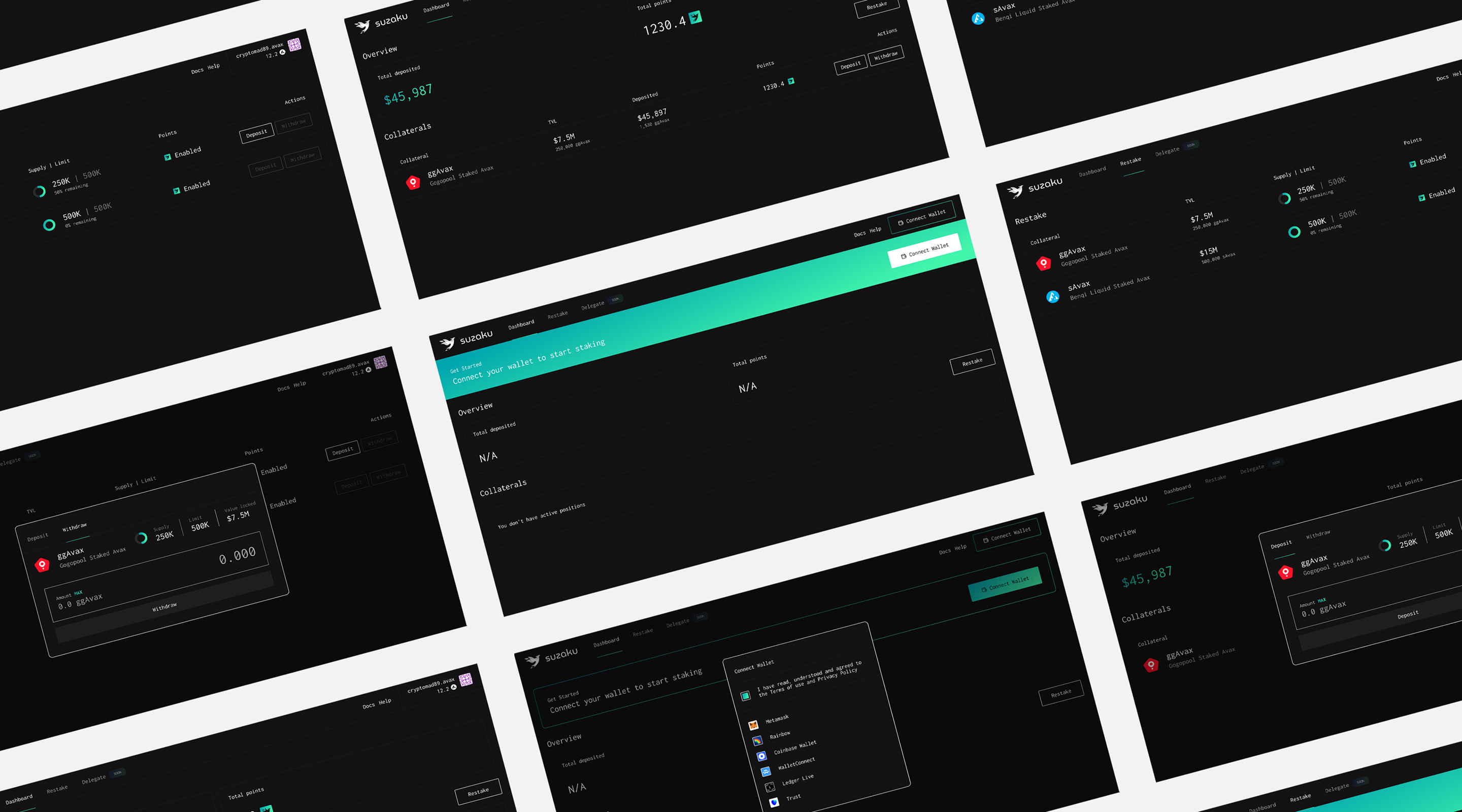
Visual integration puts interfaces into production; an external connection moves data or adds a service. Native features, apps, embedded content and APIs answer that second need, each with different maintenance responsibilities. Suzaku, a restaking protocol on Avalanche, shows where the line falls.
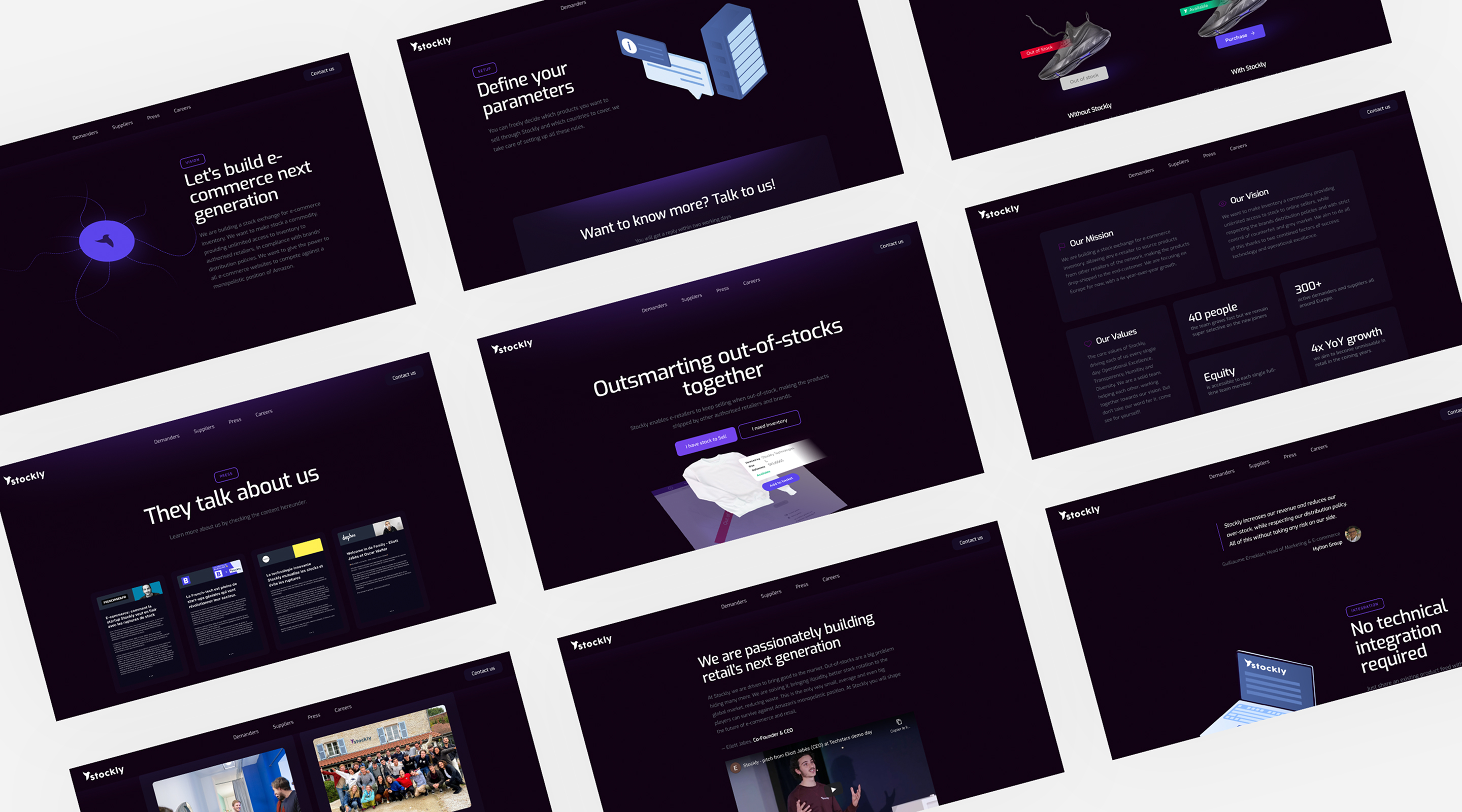
Branding and marketing site: handled by the studio, with the site published in Webflow.
dApp designs: drawn in Figma by the studio, in the same engagement.
dApp integration: done afterwards by the client's in-house front-end developer.
What to take from it: two deliverables, two builders. Webflow never had to produce the application, and the part that is custom development is approved separately.
build.mad.studio / free tool
Describe your project, get a recommendation + estimate in 5 minutes.
Webflow projects and SaaS products show different scopes. Look at what each engagement delivered: a published site, a CMS, application designs or front-end development. Do not infer one from another.
Production starts with approving the files and ends with checks on the Webflow staging environment. Each step needs a decision from you. At mad.studio, the team is put together for the project and stays on it from the designs to launch. If the site replaces WordPress, the scope also covers migrating the content to Webflow.
01 / Collect
Files and access
You provide the designs, their variants, the states already drawn and access to the Figma files. We note what is missing: mobile, open menus, long content.
Deliverable: inventory of templates, states present and states missing.
02 / Clarify
Copy, media and behaviours
You approve the copy, the media and how each component behaves. A state missing from the design needs a design decision. An approved state that does not work needs a build fix. The quote writes that distinction down, because it says which revisions are included.
Deliverable: list of agreed behaviours and included revisions.
03 / Model
The CMS schema
You approve the CMS collection schema and the references between items before content is migrated. What your team will be able to edit is decided here.
Deliverable: approved collection schema, fields and references included.
04 / Build
Screens, interactions, connections
You check the screens, the interactions and the planned connections. Acceptance covers how the site is built as well as how closely it matches Figma: class naming, component reuse, navigation states, how content behaves on mobile. On a Webflow site of around fifteen pages, class conventions set at the start save you from redoing styles page by page at the end of the project.
Deliverable: site built on Webflow staging, with named classes and components.
05 / Publish
Tests and handover
You approve the tests and the delivery accounts. The handover covers access and the editorial tasks your team is expected to do. Have your team run a publishing trial: edit a piece of content, replace a media file, check the page once it is live. That is where the promised editorial autonomy shows, or does not.
Deliverable: published site, accounts, documentation and a publishing trial run by your team.
Note / Mehdi / Founder
Before we start, I ask who approves the states missing from Figma. Without that decision, a form error turns into a design discussion in the middle of production.
Mehdi Boumendjel, Founder, mad.studio
06 / Webflow or WordPress
Webflow or WordPress for your connections
Webflow suits marketing sites and pages managed in its CMS; WordPress also handles catalogues, online booking and large editorial volumes. The choice depends on the functions you will run after delivery and on the team that will maintain them.
Webflow covers the scope when
The site is a brochure site or a set of marketing pages managed in the CMS
Classes and collections are enough to organise the interfaces and the content
Native features cover the need, or one identified connection completes them
Your team has to publish on its own after delivery
Look elsewhere when
The project rests on a catalogue, online booking or a large editorial volume
A specific feature falls outside no-code scope: describe how it has to work before choosing the platform
You are counting on plugins: WordPress is open source and extends that way, with technical maintenance and governance to plan for
You assume "Webflow plugins" are managed like WordPress ones: the tools and their upkeep are not interchangeable
To decide beyond a single connection, compare Webflow and WordPress against your editorial needs. Ask who builds and who maintains the chosen functions before you settle.
07 / Native, app, script or API
Which Webflow integration to choose: native, app, script or API?
Start with Webflow's native features, then choose an external connection only for an identified need. The table shows how each mode is set up. Not every site needs an app or an API.
Mode to consider
Example
What to have spelled out
Native feature
Webflow CMS
Editable content and collection structure
App
Webflow Apps SDK
Whether a dedicated app is needed, access and upkeep
Embedded content
Google Docs
Displayed document or synced content: tell the two uses apart
API connection
Webflow Data API v2
Data involved, authentication and error handling
Ask whether OAuth 2.0 is part of the chosen setup and who manages the authorisations: both belong in the technical scope.
08 / Uses
One connection per use
Four uses come up again and again on marketing and SaaS sites. For each one: what the connection does, and what we need from you to price it.
Use
Type of connection
What you provide
Pass on a sales enquiry
The Webflow form sends leads to the sales team's CRM
Form fields and routing rules
Feed the content
An automation links the rows of a spreadsheet such as Google Sheets to CMS items
Columns and content to publish
Automate a process
Zapier handles the routing of forms and CMS updates
Trigger, destination and exceptions
Pair storefront and payment
A Webflow storefront hands off to a checkout run by an e-commerce tool such as Shopify
Products and buying journey
A usable brief brings together the Figma files, the content available, the expected behaviours and the tools already in use. Ask for a quote that separates what is built as designed, the design decisions still open and the development outside Webflow.
Tool / 60 seconds / no commitment
Which integration scope for your designs?
Three questions, one clear answer: Webflow integration with the studio, a tighter scope on the templates that matter, or Webflow plus custom development.
Step 1 / 1
Your project
Step 2 / 2
Your budget
Step 3 / 3
Your timeline
Webflow integration with the studio
Your designs can go into production once the missing states and the CMS structure are approved.
We review the Figma files, settle the behaviours the designs leave out, model the collections, then build and test on Webflow staging. You receive the accounts, the documentation and a handover to your team.
The build was delivered with clear documentation and properly named components. Three months on, the marketing team publishes on its own without opening a ticket. That is the difference between a site that is delivered and a site that can be repaired.
Karim S. Product Manager, B2B SaaS
QA was complete: Lighthouse, keyboard navigation, forms, tracking. We published with no nasty surprises. The Loom handover let us take over immediately after launch.
Thomas V. CTO, Startup
We wanted a page marketing could duplicate without us. The Webflow components they delivered let us launch a campaign variation in half a day, without opening a technical ticket.
Claire F. Marketing Director, Startup
10 / Your reservations
What if your designs are not enough?
"Our designs are ready, all that is left is the build"
A page design rarely shows the form error, the open menu or the headline that runs too long. Those states are decided before the build, and the quote says who approves them. Otherwise they get decided during production, at the cost of back-and-forth.
"A no-code connection just plugs in"
No code does not mean no decisions: fields sent, destination, access rights, what happens to missing data or a failed run. When those rules are written down, the no-code tool does the job. If they are not, you need a specialist.
"We are paying for the integration, so the site will run without us"
The service, the subscriptions and the maintenance of the connections are three separate lines. The quote names who takes out the subscriptions, who holds the accounts and who steps in when a vendor changes its tool.
11 / FAQ
Frequently asked questions
Webflow is a visual site builder with a built-in CMS and hosting included: interfaces are organised by classes, and collections structure the content your team manages. For an integration job, you provide the designs and the content available; the team turns them into responsive pages and prepares them for publishing. Webflow covers brochure sites and marketing pages. Custom application features need their requirements and their development route looked at separately.
The price of a Webflow site depends on the work needed on the designs, the number of templates and states, responsive behaviour, the CMS structure and the external connections. Ask for a quote that separates the build, the content to migrate, the design decisions still open and any custom development, rather than a figure worked out from pages alone. Check the revision terms, what is handed over at delivery and who handles publishing: they have to be in writing for two proposals to be compared.
To measure the difference on your project, compare how your designs are carried over, the content structure, the connections needed and the tasks your team will do after delivery. Webflow organises design by classes and content in CMS collections; ask each supplier to show how the same needs would be handled in the solution they propose. The choice rests on the expected behaviours and the maintenance responsibilities. A visual editor alone does not cover a business feature.
Check the subscription price directly with Webflow for the plan you choose, and keep it apart from the cost of designing and building the site. Have the editorial needs, the expected functions and any external services spelled out before choosing plans, then ask who takes them out and who keeps the accounts. A quote for the service separates recurring spend from production work, so that publishing the site does not hide the admin responsibilities that follow delivery.
Yes, a no-code connection works when the chosen tool covers the expected behaviour and the processing rules are defined. You still have to specify the fields to send, the destination, the access rights and what happens when data is missing or a run fails. Bring in a specialist when the scenario needs specific rules, a separate backend or error handling your team cannot manage with the planned tools.
An external connection adds things to check: scripts loaded, data sent, access rights and a dependency on another tool working. Ask for mobile tests and performance measurements, with Lighthouse and the Core Web Vitals LCP, CLS and INP, without treating a single score as a guarantee that things work. Delivery should also state who watches for errors, who steps in after a vendor change and how to switch the connection off when its behaviour no longer matches the approved scenario.
12 / About the author
About the author
Author / Mehdi / Founder
A design and development studio based in Paris but active worldwide with international teams. We work with startups, scale-ups and major brands across the whole lifecycle of a digital product: strategy, art direction, interface design and go-live.
Send us your files, your content and the list of tools to connect. We tell you what can be built as designed, what still needs deciding and what sits outside Webflow.