



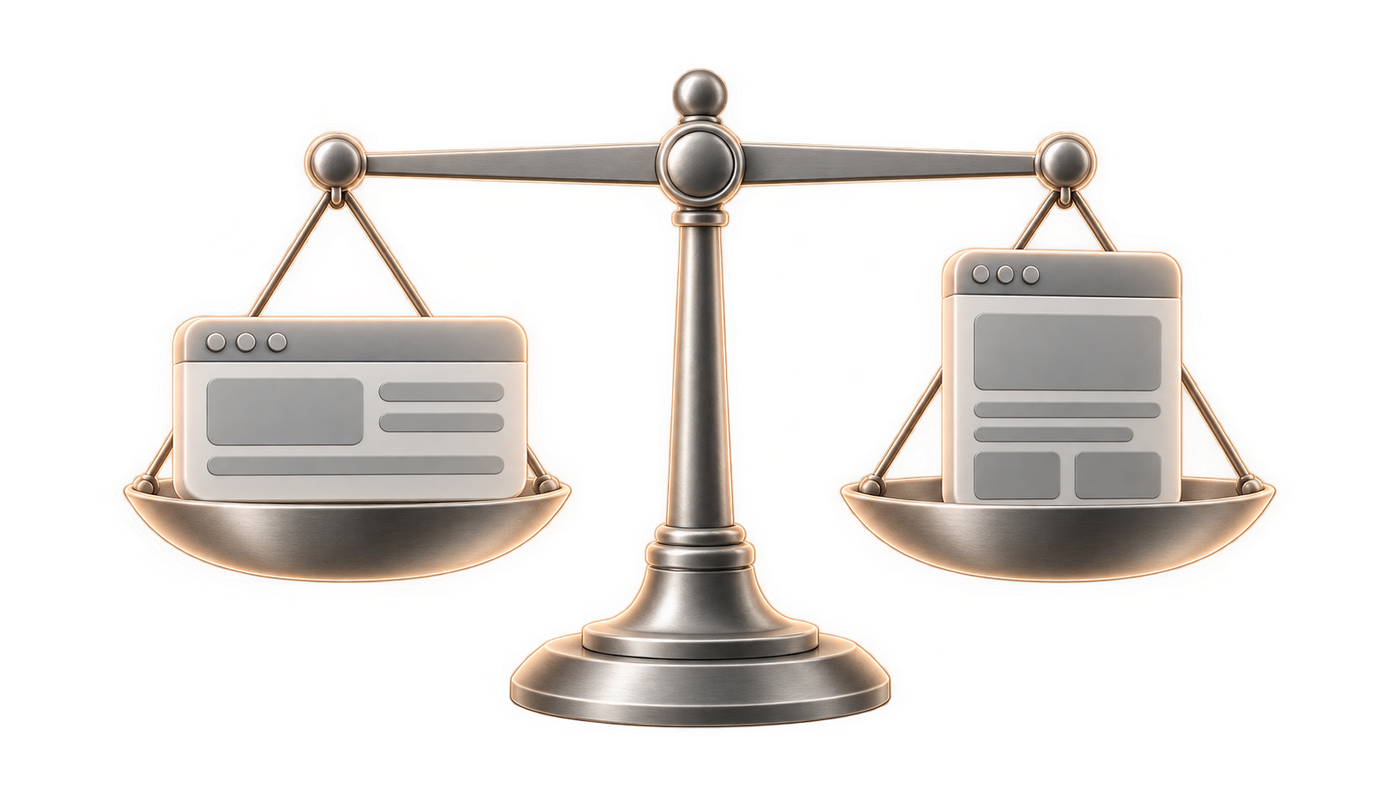
Webflow and WordPress cover different needs, above all on visual control, editorial autonomy and the technical load you carry over time. For a showcase site, a marketing page or a content-heavy editorial project, the choice depends less on a tool preference than on the type of team, the publishing pace and the level of custom work expected. If you have to decide quickly: Webflow suits sites you want to keep updating without heavy maintenance, WordPress holds up when content volume, plugins and advanced uses come first.
Webflow vs WordPress: the right call for each project

Six concrete criteria settle the choice: content type, team autonomy, need for custom design, maintenance level, integrations and time to launch. Webflow fits showcase sites and marketing pages, WordPress fits catalogues, online booking and large content volumes. Both work, but not at the same level of governance.
| Criterion | Webflow | WordPress |
|---|---|---|
| Content structure | CMS collections suited to showcase sites and campaigns | Extensible open-source CMS, useful for high editorial volumes |
| Design | Pixel-level control | Flexibility through themes, CSS, JavaScript and plugins |
| Autonomy after delivery | Independent editing in the built-in CMS | Depends on the theme, the plugins and technical governance |
| Maintenance | Hosting included, fewer layers to manage | Regular updates required |
| Plugins | Less dependent on a plugin ecosystem | Thousands of themes and plugins |
| Target use | Showcase sites, marketing pages | Catalogues, online booking, dense content |
The split is fairly clear. Webflow fits when visual consistency, editorial autonomy and production speed come first. WordPress becomes the better answer if your project relies on many plugins, a catalogue or a heavy editorial operation. On sites where technical maintenance has to stay contained, the difference shows up fast in the team's day-to-day.
Webflow vs WordPress: art direction and visual consistency
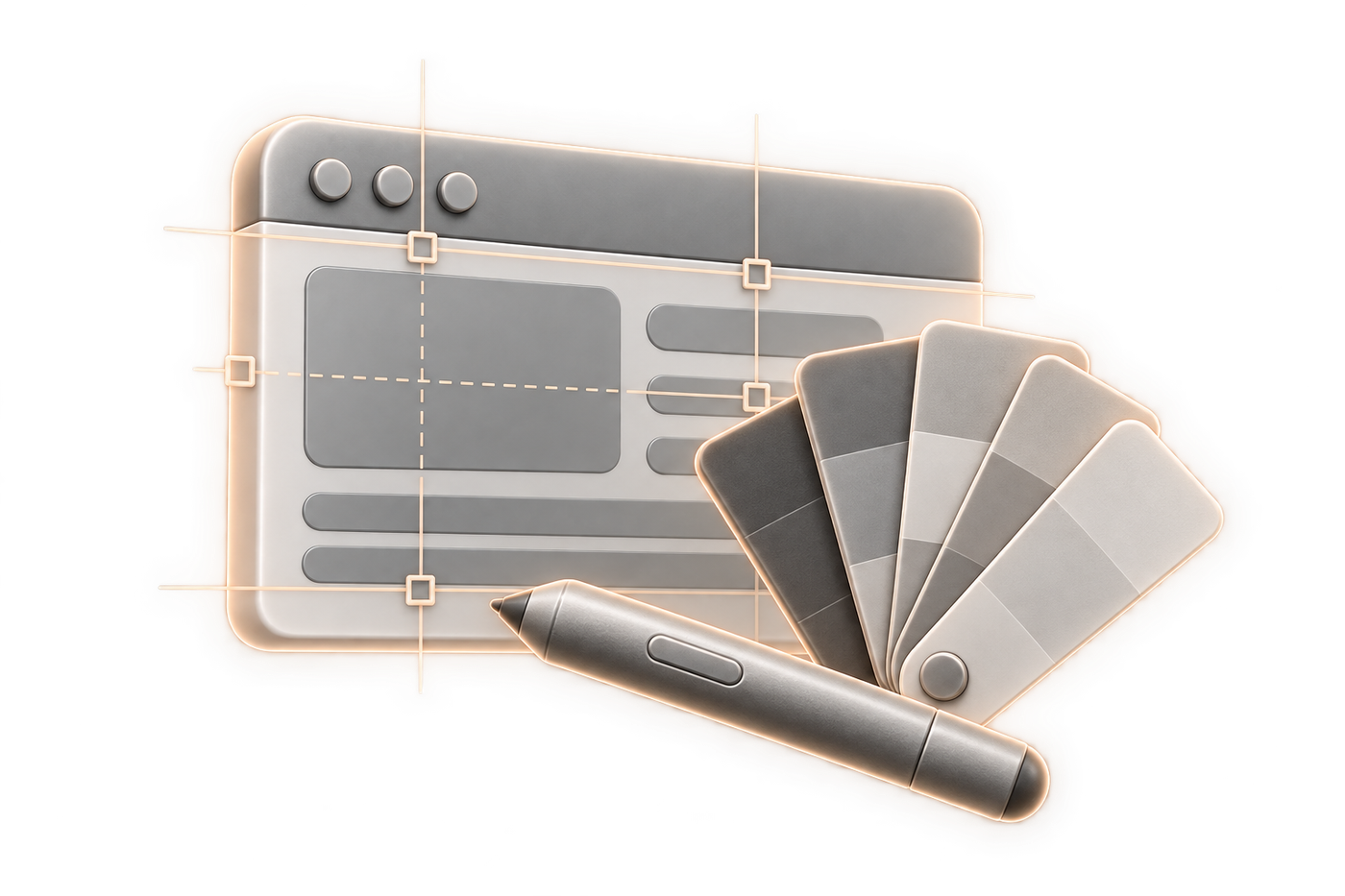
The level of visual control changes how a mock-up holds up over time. Webflow gives pixel-level control and native interactions, which helps when the art direction has to match the original file. On the projects we ran for Stockly and The Luxurist, that control gave us tightly built interfaces without repeated code rework.
Pixel-level control
Webflow lets you work the visual hierarchy with precision, where a WordPress site more often depends on a theme, a stack of plugins or CSS additions. When a marketing page has to reproduce a Figma mock-up almost exactly, that level of control avoids gaps between the design and the built page. On Stockly, we reworked a professional starting template from top to bottom in art direction to concentrate the budget on the product.
Reusable components and named classes
A class convention holds up better than a string of isolated styles. Structuring the design system around classes named by convention noticeably reduces rework at the end of production, which matters when iterations stack up. On The Luxurist, that approach kept the product pages consistent without rebuilding each block by hand.
Animations and interactions without weighing down the project
- Webflow includes native animations and interactions, which covers a lot of presentation needs without stacking up extra technical layers.
- The result is easier to pick up when micro-interactions are designed at component level rather than added page by page.
- On rich interfaces, the front-end takes over once the custom need goes beyond what no-code carries cleanly, and that is where a Webflow developer comes in on custom code.
Webflow vs WordPress: SEO, speed and technical cleanliness
SEO depends first on content structure, metadata and markup, before the tool comes into it. Webflow and WordPress can both carry a visible site, but the technical risk does not sit in the same place. On WordPress, regular updates and plugins add a maintenance layer. On Webflow, the cloud base reduces that load, though it does not make the site fast on its own.
The SEO foundation before optimisations
A well-chosen CMS does not replace a clear content architecture, nor the SEO work on Webflow that follows. Webflow or WordPress, the starting point is the same: a tidy site structure, metadata filled in, structured content and stable templates. When the foundation is clean, the SEO team spends its time on finishing adjustments rather than on structural repairs.
Real speed and technical signals
WordPress can need performance work, especially when themes and plugins pile up. Webflow runs on a cloud-based CMS, which simplifies the hosting layer and removes part of the technical friction. Either way, the useful measure is public and verifiable: the Core Web Vitals defined by Google set public thresholds for loading, responsiveness and visual stability, so you measure instead of trading impressions.
Structured content, publishing and team autonomy
When the CMS is well modelled, the marketing team publishes without waiting on a queue of technical tickets. Over campaign cycles, a team that manages its event pages, its variants and the creation of its landing pages in a well-structured CMS saves several days on each iteration. Webflow is built for that autonomy, provided you set the roles, the approvals and the content models from the start.
- An editorial team that works on its own needs named collections, reusable components and handover documentation.
- If every new page needs front-end work, that autonomy is theoretical.
- When the content model holds, releases move without a developer at every step.
Webflow vs WordPress: security, maintenance and hidden costs

The cost of a site never stops at delivery. WordPress means regular updates, which you should budget as a maintenance line of its own and which the project's official documentation says cover the core, the themes and the plugins. They can also conflict with certain plugins, and that takes time. Webflow reduces this upkeep layer with its built-in hosting, but the project still needs framing once the design, the integrations or the editorial structure get complex.
Over time, the difference usually shows in the technical load more than in the first delivery. A WordPress site without clear governance builds up dependencies fast, especially when plugins pile up. Webflow limits that kind of debt, as long as you keep the content model plain and do not pile workarounds on top of the CMS.
Webflow vs WordPress: plugins, integrations and e-commerce
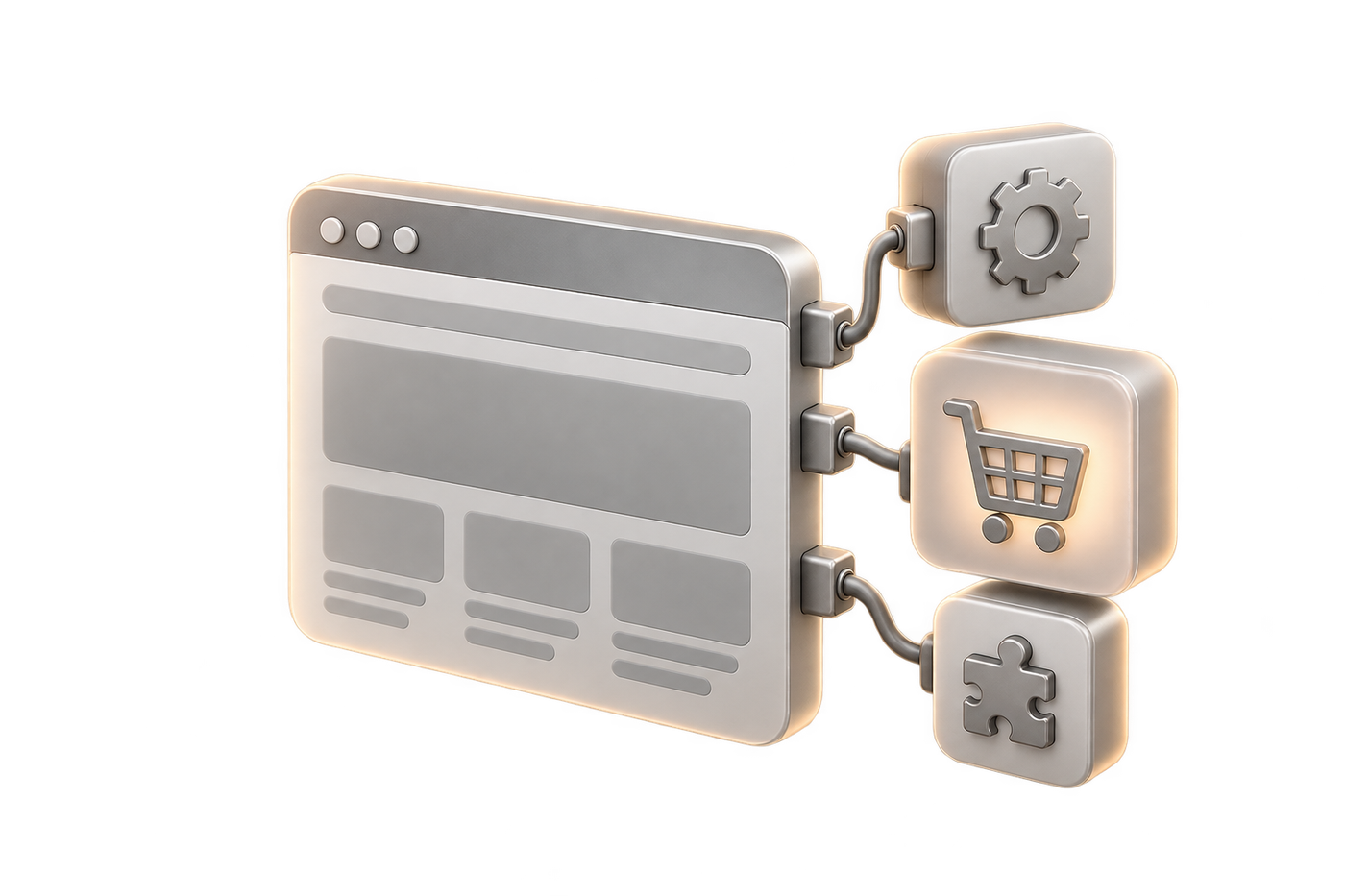
WordPress takes the lead when you have to assemble a lot of separate functions. Its ecosystem of thousands of themes and plugins covers varied needs, with real flexibility for catalogue sites and online booking. Webflow holds up for professional sites without complex code, then opens up to custom work if the front-end takes over some of the integrations.
When the plugin ecosystem saves time
A WordPress project moves fast when the needs are known and a stable plugin covers the function. For a catalogue, a dense blog or a site that has to combine several plugins, that ecosystem saves assembly time. The flip side shows when plugins contradict each other: maintenance gets heavier and the links between components more fragile.
On Nomadism, we designed an entire brand, identity, logo, brand DNA and the design of the fitted Mercedes vans, before delivering the WordPress site and its WooCommerce booking. The nomadic boutique-hotel concept had to hold from the vehicle to the payment screen. Visiter Île Maurice, the tourism platform now in production, also runs on WordPress. Both cases show that WordPress makes sense when the main need is managing content and booking journeys.
Selling online when the journey stays simple
Webflow offers e-commerce features suited to fairly direct journeys. Once the catalogue, the availability rules or the ordering logic grow, the frame gets tighter and you have to look at the architecture of the whole project. When the need stays on a few products, a clear presentation and well-built product pages, Webflow is a solid option.
WordPress with WooCommerce covers online booking and set-ups that change over time more naturally. On projects like Nomadism, booking had to sit alongside the brand, the vehicles and the site itself. That kind of build asks for broader technical governance, and gives you more functional room in return.
Custom integrations that do not lock in the project
- WordPress takes CSS, JavaScript and other code additions, which helps when a specific feature has to fit into an existing base.
- Webflow also supports custom code when the need goes beyond no-code.
- The right threshold is the one where the integration stays maintainable without making the page depend on an opaque stack.
- On a project meant to last, every added layer has to stay understandable to the team that will take the site over.
Choosing by the real complexity of the project
The tool debate settles faster when you start from the site you have to build. Find your row. The right-hand column says which way to lean.
| Project type | What weighs | Where it leans |
|---|---|---|
| Showcase site or marketing page | Visual consistency, publishing cadence | Webflow |
| High-volume editorial site | Number of articles, editorial templates, governance | WordPress |
| Booking or appointment scheduling | Availability, business rules, notifications | WordPress, or custom development |
| Online sales with an extended catalogue | Product variants, checkout, stock | WordPress with WooCommerce, or a dedicated platform |
| Business logic inside the content | Permissions, roles, structured data | Headless or custom development |
| Logged-in area or digital product | Accounts, states, integrations | Custom development |
A project that ticks two rows far apart is a project to split up. Expecting one tool to carry everything is the most common way to build debt from day one. Once business logic comes first, you are quoting a custom development project, not choosing a CMS.
When to switch from WordPress to Webflow
Migration becomes worthwhile when WordPress takes more maintenance time than the product value justifies. The signals are clear enough: repeated updates, plugin conflicts, performance work to redo, technical debt piling up. Switching to Webflow then buys back control over the design system and editorial governance.
The signals that justify a migration
- The site depends on several plugins that create conflicts or unexpected behaviour.
- Regular updates take time and tie up the team on maintenance tasks.
- Performance needs work again and again without the situation settling.
- The site gets hard to change without calling a developer every time.
What we keep to preserve SEO
A successful migration preserves the SEO you already have before rebuilding the templates. The redirect plan, the continuity of SEO signals and the indexing checks are the points to lock down when you change CMS. Webflow does not undo any of that by itself: the switch is a structural job and we treat it as one.
What we rebuild to start clean
Migration is also a chance to start again on a cleaner class system and reusable templates, as on any well-run website redesign. On a site where the design has to stay consistent, redoing the design system and the CMS modelling keeps the old workarounds from coming back. When the marketing team has to publish without going through a technical layer, documentation and reusable components matter as much as the mock-up.
How we run these switches
We run a switch with a content freeze during the migration window, a redirect plan and indexing checks, the same discipline as on a Webflow website redesign. On the WordPress builds we have delivered, Nomadism and Visiter Île Maurice, we ran the production itself with that attention to content and usage, which is what makes a site movable later without breakage. We look first at what has to be preserved, then at what has to be rebuilt so the client team can take over.
Ease of use day to day
Ease of use depends less on the interface than on how the site was built. Webflow is quicker to pick up for a team that wants to publish on a CMS that is already well modelled. WordPress gets more demanding as themes, plugins and technical settings pile up, because the overall logic gets diluted.
For day-to-day use, Webflow serves marketing teams that manage showcase pages, landing pages and regular updates. WordPress stays relevant when the team accepts a longer learning curve, tied to administration, plugins and maintenance. If several people will handle the site, count how many of them have to use it without a manual.
Customisation and flexibility: how far each tool goes
Both tools take custom work, but not in the same place and not at the same cost. Webflow gives very wide freedom over layout and interactions, as long as the need stays on the interface side: grids, components, states, animations. Once business logic comes into play, you have to leave the visual layer and add code, or connect an external service.
WordPress comes at it from the other end. The functional layer extends almost without limit through plugins and code, but visual consistency depends on the theme and degrades fast when several plugins inject their own styles. The flexibility is real, and you pay for it in governance.
| Type of need | Webflow | WordPress |
|---|---|---|
| Layout and interactions | Very wide, without code | Depends on the theme and the builder chosen |
| Content model | Structured CMS collections, to be modelled upfront | Custom post types and fields, often through a plugin |
| Business feature | Custom code or external service | Very rich plugin ecosystem |
| Handover to another team | Readable if the classes follow a convention | Varies with the stack of themes and plugins |
The right question is not which one is more flexible, but where your need will find its flexibility. A marketing site with tight visual control leans towards Webflow. A site whose value comes from business features leans towards WordPress or towards custom development.
Support and community: who you ask for help
This is a criterion comparisons rarely cover, and it weighs once the site is delivered. Webflow is a vendor product: support comes from the vendor and its documentation, with a smaller community focused on the tool. You have one point of contact and a defined scope of response.
WordPress is an open-source project: the official documentation and the forums are open, the ecosystem is huge, but there is no vendor to call. Real support comes from the agency, the developer or the author of the plugin concerned, and the quality varies from one plugin to the next.
So the question to ask is concrete: when something breaks on a Friday evening, who answers, and how fast. On Webflow, the vendor carries the hosting and core product layer. On WordPress, your provider carries it, which belongs in the maintenance contract rather than being discovered at the first incident.
What the site really costs over time
Total cost of ownership is not the opening quote. With WordPress, count regular maintenance, updates, plugins and the time spent on conflicts between them. With Webflow, hosting is included and the technical layer is smaller, but the budget still follows the level of design, content and integrations you ask for: the ranges are in our article on the price of a Webflow site.
For a showcase site, a marketing site or a project that publishes often, the item that weighs most is usually team time rather than the tool. If your need depends on a lot of plugins, WordPress keeps its place. If you mainly want to cut maintenance and keep clear editorial autonomy, put Webflow first.
By site profile
The verdict depends on the project profile, and neither tool wins in every configuration. Webflow suits showcase sites, marketing pages and teams that want to publish with a clear content model. WordPress is more at ease with dense editorial sites, catalogues and set-ups that rely on many plugins. If you take away one thing, look at the maintenance load as much as at the first delivery.
| Site profile | Best-suited solution | Point of attention |
|---|---|---|
| Showcase site, like Stockly | Webflow | Keep a clear design system and reusable templates |
| Editorial and booking site, like Visiter Île Maurice | WordPress | Plan for technical governance and regular updates |
| E-commerce or booking site, like Nomadism | WordPress with WooCommerce | Anticipate maintenance and integrations |
A living marketing site, a self-sufficient team and a disciplined art direction usually point to Webflow. A site that is more editorial, more modular or more dependent on plugins leans to WordPress. The most profitable choice is the tool that limits debt after twelve months, not the one that impresses on launch day.