


Payload CMS agency: how to choose the right team for your Next.js project
Payload CMS mostly attracts projects that need to structure content, expose it to several interfaces and keep a technical foundation that can evolve. This page sets out when this headless CMS is the right fit, what an implementation team should take on, and what to check before starting a project.
- Payload is an open source headless CMS written in TypeScript, designed for modern stacks such as Next.js.
- It earns its place when content has to feed several interfaces, with access rights and localisation; on a simple editorial project, it is usually overkill.
- The real work starts before installation: content types, reusable blocks, roles and publishing logic.
- Migrating from a traditional CMS comes down to the content mapping and the redirect plan, not to moving pages across.
- At mad.studio, the client owns the project and can take it back at any time, whichever billing model is chosen.


When Payload CMS becomes the right choice
Payload CMS becomes relevant when content has to live in several interfaces, with a clear data logic and access or localisation requirements. An editorial site that is all one piece can stay on a traditional CMS, and a project that needs no development is very well served by no-code. But a Next.js application, a product area or a multi-market site gets more out of a headless setup.
Three characteristics that explain its adoption
Three things explain why technical teams pick it. Configuration is declared in TypeScript, so the content model is versioned code, reviewed like the rest of the project. Authentication, access control and localisation are part of the product rather than third-party extensions. And the admin interface is generated from the model, so nobody maintains an editing interface by hand. What that means for the project is plain: there is no theme to install and no page to assemble visually. Everything starts from the content structure, and the front end is a development project in its own right. That is what makes the tool the right choice on some projects and far too much on others.
The Payload + Next.js pairing
The Payload + Next.js pairing makes sense when the front end has to be designed as a product, with components, states and an API connection. On mad.studio projects, we find this pays off mostly when content, product and teams can no longer move forward on a fixed template.
Is Payload the right fit for your project?
The question is not whether the tool is good, but whether it is the right size for the job. This grid places your project in one of three groups. Three or more "good fit" lines are enough to look at the option seriously. Only one, and the cost of the custom front end is likely to outweigh the benefit.
- Good fit: content has to feed a site and an application, or several markets
- Good fit: distinct roles edit, approve and publish
- Good fit: the front end is already in Next.js or will be
- Good fit: business rules have to live in the content model
- Worth checking: a single interface but a complex content model, depending on how long the project has to last
- Worth checking: you have an in-house technical team that will stay, and autonomy matters more than the tool
- Overkill: a brochure site of a few pages, rarely updated
- Overkill: the main need is to publish quickly without development
The right questions before signing
Five questions to paste into a brief or an email. They test the method, the governance and the team's ability to deliver a project the client can take back.
- 1. How do you handle content structure and reusable blocks?
- 2. Which localisation and permission rules do you put in place?
- 3. How do you organise the cutover without blocking the editorial team?
- 4. What exactly do we get at delivery?
- 5. What level of deliverables do you offer depending on the budget?

Payload CMS or traditional CMS, situation by situation
This table reads line by line: for each situation, what Payload brings compared with a traditional CMS.
- Headless site with a Next.js front end: Payload a good fit, a traditional CMS less natural.
- Enterprise application: Payload a good fit, a traditional CMS varies.
- Headless e-commerce: Payload a good fit, a traditional CMS more constrained.
- Digital asset management: Payload a good fit, a traditional CMS varies.
- Localisation requirement: Payload a good fit, a traditional CMS depending on the tool.
- Simple editorial project: Payload usually overkill, a traditional CMS usually enough.
Selected work
The projects that show this type of engagement best are the ones where structured content, the front end and the data had to hold together: the Astore procurement platform for Accor, the SHAFT reporting SaaS designed and built in-house, and Blockz, commissioned by the Core blockchain, where the studio covered design, platform development, smart contracts and on-chain deployment, on an audited stack.
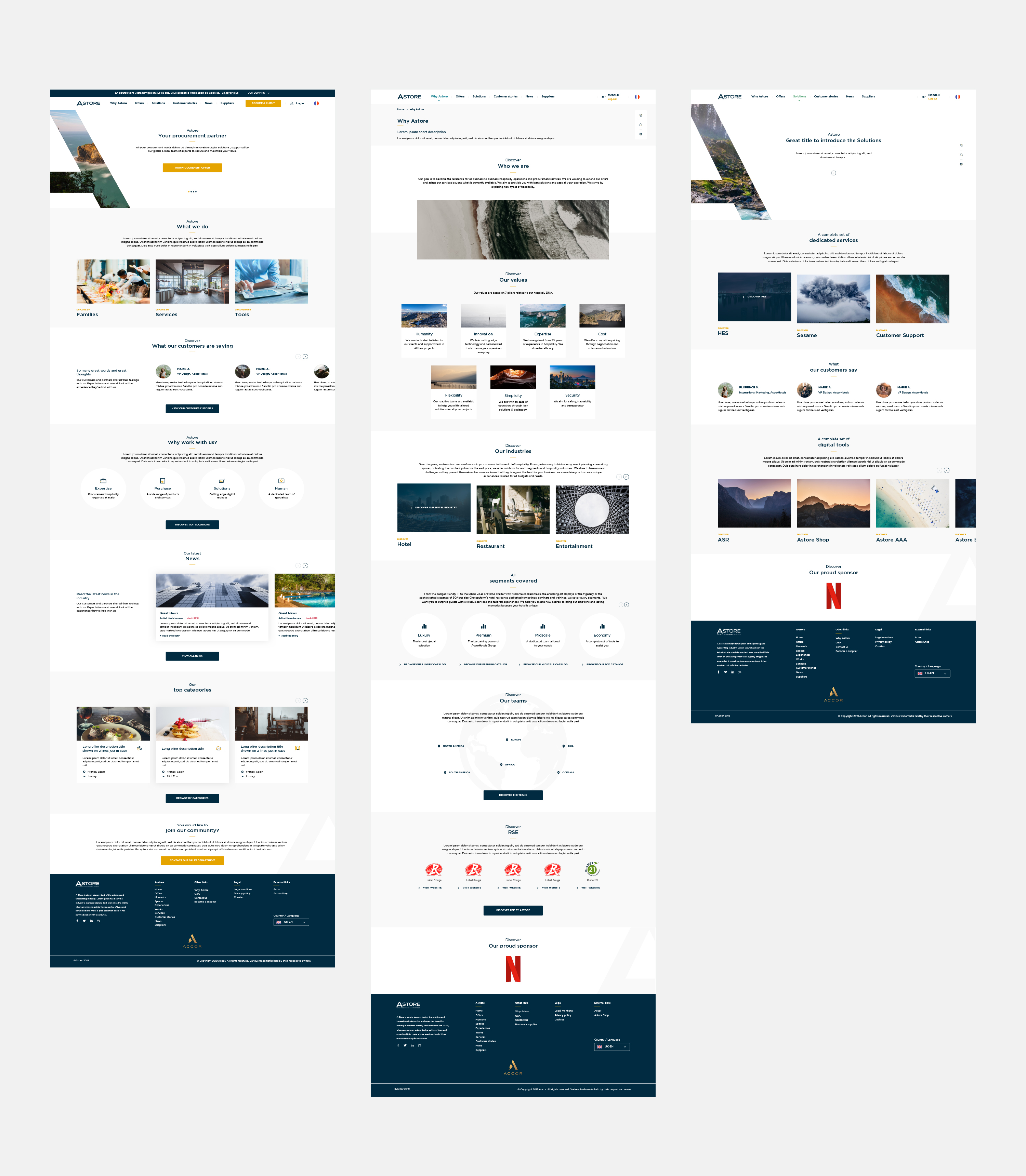
Astore (Accor)
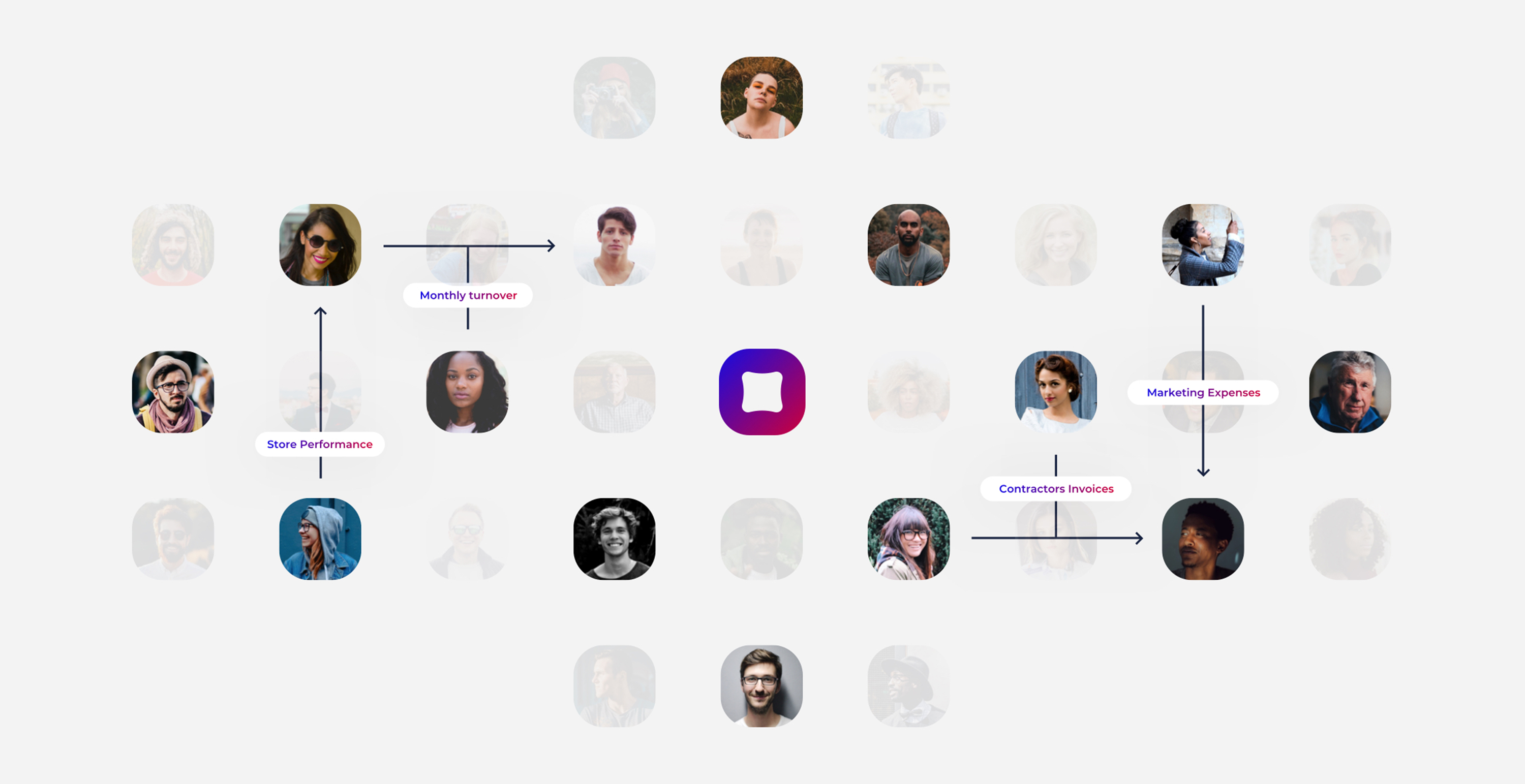
SHAFT
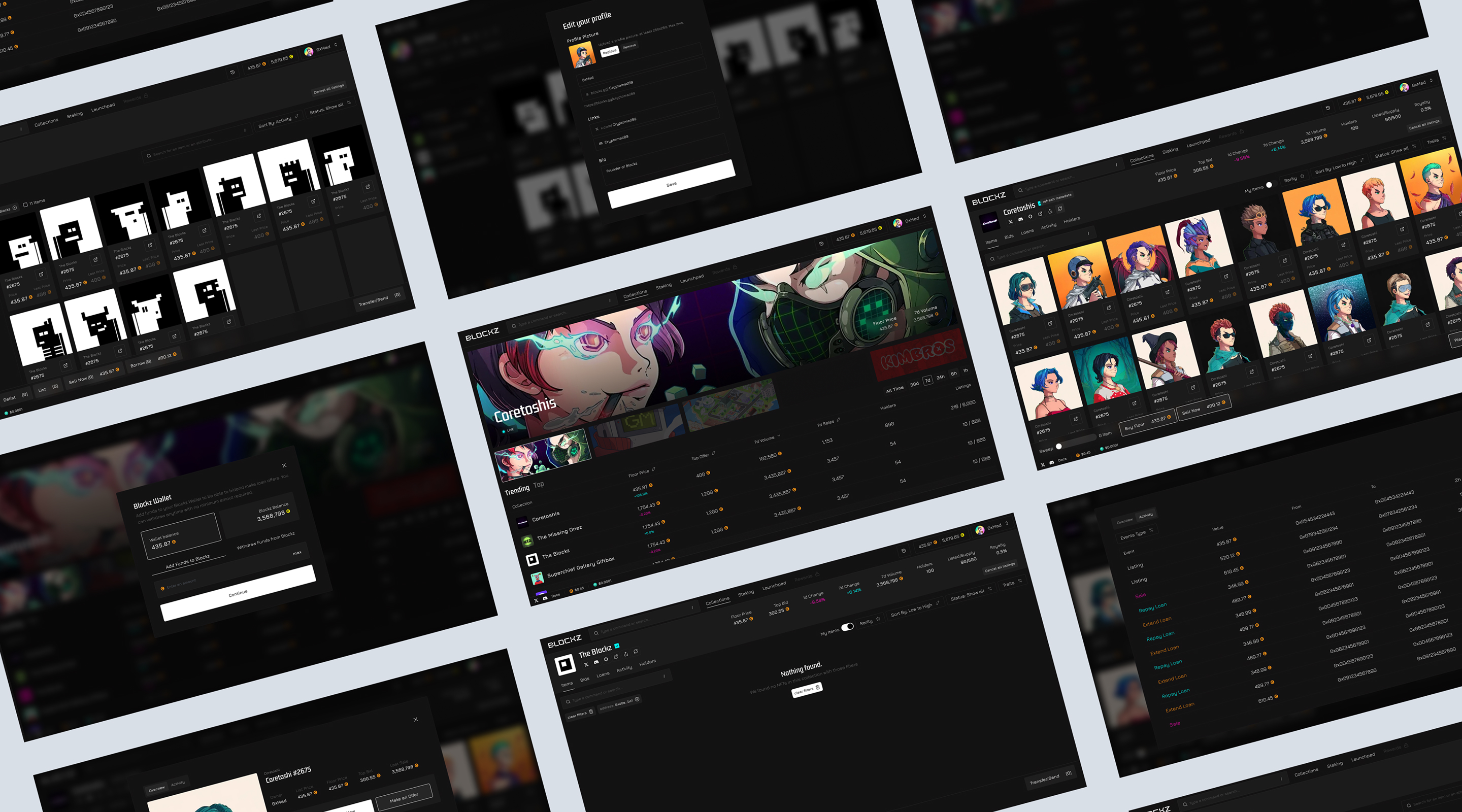
Blockz
What an agency should really take on
Serious work starts before the CMS is installed. Content types, reusable blocks, roles and publishing logic come first, and only then the front end and go-live. On the engagements we have run, this framing avoids backtracking when the client team wants to publish without holding up the product. A well-framed project moves by milestones, not by successive layers of requests: the sequence that works best starts with content, moves through the front end, then locks down publishing, transfer of ownership and post-launch follow-up. On the studio's engagements, this comes with a team put together for the job and a client who can take the project back at any time.
The content model before the page
Content structure has to come before page assembly, just as the site architecture comes before the mock-ups on a traditional site. Without that work, the CMS becomes generic and every addition needs a patch. At mad.studio, the team looks for a system that lasts, with reusable blocks and readable permissions for editing. A usable brief comes in three stages: structure workshop, journey prototype, then a go-live phase. It is the same rhythm we apply to startup website projects, where the scope moves fast.
Deliverable: content types, reusable blocks and publishing logic settled in a structure workshop.
The Next.js front end as a product, not a template
The front end has to cover components, live preview, technical SEO and perceived performance. On mad.studio projects, the design system links the mock-ups to the code, and that is where web design meets development: consistency holds when several pages share the same building blocks. That means reusable components, loading and error states, preview before publishing, optimised rendering and page weight, and a clean connection to the APIs.
Deliverable: Next.js front end with components, states, preview and API connection, journey prototype approved.
Roles, localisation and access control
A headless stack needs clear access rights, approval rules and localisation handled from the start. The official Payload documentation puts authentication, access control and localisation in the model itself, which helps when several teams edit the same site. The studio then has to turn those rules into editing flows people can actually use, beyond the technical configuration.
Deliverable: roles, approval rules and localisation turned into usable editing flows.
Moving from a traditional CMS to Payload without breaking URLs
A migration succeeds when the content structure is carried over without breaking URLs or SEO logic. The mapping starts from the existing content, then groups it into cleaner types, with fields that match the business. On projects where content, interface and data had to hold together, such as Astore, SHAFT or Blockz, this step decides what follows. After that, a migration comes down to redirects, indexing QA and the content freeze during the cutover: map old and new URLs, prepare the redirect plan, test indexing before go-live, block changes during the cutover, check the strategic pages after publishing. The procedure described by Google Search Central remains the reference on this point. The client team has to keep publishing during the transition, with clear roles and onboarding documentation: editorial autonomy is one of the success criteria, because it keeps the team from depending on us again after the migration.
Deliverable: content mapping, redirect plan, indexing QA and onboarding documentation.
How Payload compares with other CMSs
Payload is the right fit when the stack has to stay built around TypeScript, Next.js and structured content. A more traditional CMS keeps the edge on light editorial needs, or when the team mostly wants a tool everyone already knows. In the same headless family, Sanity answers similar needs: schemas are also written in code, but the editing studio is hosted and more geared towards editorial teams. Strapi remains the other option when control of the backend comes first. The comparison comes down to the level of structure you need, localisation, access and the place of the front end in the project.
Payload takes the lead when
- You have to publish on several channels or wire business rules into the content
- The front end is in Next.js, or will be, and has to be designed as a product
- Distinct roles edit, approve and publish, with localisation
- The content model has to be versioned code, reviewed like the rest of the project
- The project sits within a wider headless architecture
Another tool is a better fit when
- The site is a brochure site of a few pages, rarely updated
- The main need is to publish quickly without development: no-code covers the scope
- The team mostly wants a tool everyone already knows, for light editorial needs
- A single interface and a complex model: worth checking, depending on how long the project has to last
- Sanity's hosted editing studio serves a large editorial team better
What a Payload studio really delivers goes beyond installing a CMS. It turns the business need into a content structure, develops the front end around the CMS and prepares publishing so the client team can carry on without depending on the supplier day to day. That positioning makes the difference on projects that mix content, product and maintenance constraints. It matters less on a very standard site, where a general-purpose CMS is often enough. On budget, the studio's engagements range from €10,000 to over €500,000, depending on the scale of the project and the level of deliverables chosen: a brochure site is priced on scope, an editorial platform as a fixed price or a specific quote, a product or multi-channel project (API, Next.js front end, integrations, localisation) at a higher tier, and post-delivery changes on a retainer. The cost rises when a custom front end, complex permissions, several languages or a structured content migration are needed: that is a custom website project more than a CMS installation. The timeline depends mostly on the number of interfaces to design and the volume of content to migrate.
The criteria that separate two teams
On this type of project, proposals often look alike on paper. Five criteria really separate them, and none of them shows up in a portfolio.
| Criterion | What to look for | Red flag |
|---|---|---|
| Content modelling | A method to go from the business need to types, blocks and fields | Pages are discussed before structure |
| Front-end mastery | Components, states, preview and rendering treated as a product | The front end is presented as a simple display template |
| Permissions and localisation | Roles and publishing rules translated into editing flows | The answer stops at technical configuration |
| Taking the project back | What you get, when, and in what form | Ownership of the code or the accounts stays vague |
| Editorial autonomy | What your team will be able to publish on its own after delivery | Every new page goes back through the supplier |
The last criterion is the one that costs the most when neglected. A headless CMS that is well chosen but poorly modelled recreates exactly the dependency you were trying to remove, with an extra technical layer on top.
Is Payload the right size for your project?
Three questions, one clear answer: Payload and Next.js with the studio, a more traditional CMS, or a custom front end delivered in phases, depending on your project, budget and timeline.
Your content has to live in several interfaces: Payload with a Next.js front end designed as a product is the right foundation.
The work starts before installation: content types, reusable blocks, roles and publishing logic, then the front end, go-live and transfer of ownership. The studio puts together a team for the job, and you can take the project back at any time.
Testimonials
A great studio with a good atmosphere and a real will to do things properly. Very happy to have worked with mad.studio.
We call on mad.studio regularly. The work is high quality and the deadlines are met.
Always a pleasure to work with mad.studio. The quality of the deliverables is impeccable and always matches our expectations. Excellent communication.
What if Payload is not the right choice?
"Payload is open source, so the project will not cost much"
The software itself can be used without a proprietary licence, but a real project needs framing, development and often maintenance. The cost shifts to the content model and the Next.js front end, not to the licence.
"This type of project will be too complex for our team"
Complexity shrinks if the content model is named, roles are clear and documentation comes with the delivery. The risk appears mostly when the project wants to keep everything at once, without sorting content or setting publishing priorities.
"A better-known CMS would do just as well"
For a standard editorial site, that is often true, and a better-known tool remains quicker to pick up. Payload is worth the cost when you need a solid content model, localisation, access control and a Next.js front end built to fit.
Frequently asked questions
About the author
Related pages
To go further, here are the most useful pages depending on your need.
A Payload and Next.js project to frame?
We set the content structure, the roles, the localisation and the cutover before writing the first line of front-end code, with a team put together for the job and a project you can take back at any time. Let's talk about your context and your current stack.